



Navigate
Student Success in the Palm of Your Hand.
LSU has partnered with EAB to utilize Navigate360, a modern, online platform that combines predictive analytics and communication tools to drive student success. Navigate360 connects students to the resources and support that they individually need. Whether it's scheduling appointments with their success team, finding campus partners, or staying on top of important deadlines, Navigate360 helps students stay organized and on track to reach their goals.
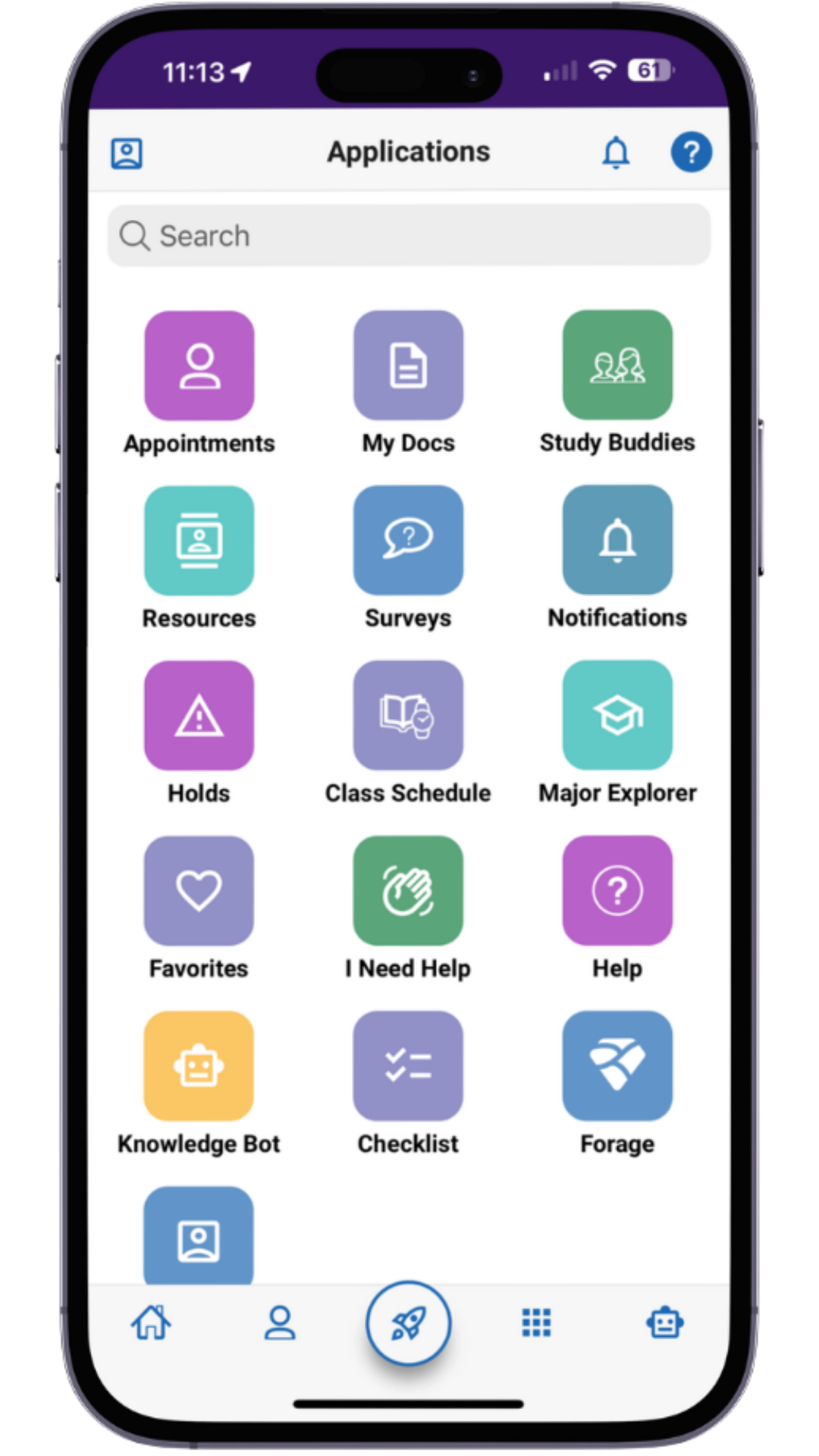
Students
The Navigate Student mobile app will help you keep up with all of your responsibilities by putting all of your next steps in one place and will be the main location to schedule an appointment with your academic advisor directly from your phone.
Download Navigate on the App Store
Download Navigate on the Google Play Store
Get Started With Navigate on the Web
Navigate is free for students. All current students have accounts automatically created for them, and can log in using their LSU credentials.
Students can view their course schedule and join study groups within each class they are registered for, connect with advising and campus staff, schedule appointments with faculty, and more.
LSU Faculty and Staff
Get started with navigate on the web Advisor Training
Faculty and Staff are the primary users of Navigate on the web.
Navigate is used to coordinate the care of students, track students' academic progress and streamline communication.
Users can issue an Alert within Navigate. An alert brings notice to a student who may be at risk for various reasons and may also trigger a referral to another department. This is NOT the same as a Care Team Referral and shouldn't be used for urgent matters where the student is perceived to be a threat to self or others.
Navigate Alerts can be classified in two categories:
- General Alerts: issued ad hoc when staff, faculty, or another member of the student’s Success Team deems appropriate
- Progres Report Alerts: only issued through an active progress report campaign
How to issue an alert:
- Under Actions, click Issue an Alert
- Select the student(s) you wish to issue an alert for
- Select the reason/alert type for the student(s)
- If applicable, select the class associated with the alert
- Add additional comments so the recipient of the alert is aware of the situation and can respond effectively
- Submit
Steps for submitting an Academic Intervention Alert through EAB Navigate360:
-
- Access EAB Navigate360 by visiting https://www.lsu.edu/studentsuccess/navigate/index.php and clicking "Navigate on the Web for Faculty and Staff"
- You will be taken to your Navigate Home page. From there, you can issue an alert on a student by clicking "Issue an Alert" on the right hand option panel.
- A new screen will appear. Enter the student's first and last name, select the reason for the alert, and choose your class from the "Associated with a Specific Class" dropdown. You may alaso add details about your concern in the "Additional Comments" box. Once you have completed these steps, click "Submit," and the case will be sent directly to the CAS Academic Intervention Team.
The AI-powered Meeting Summary Assistant (MSA) enhances advising efficiency by generating structured appointment summaries from live audio transcription, uploaded documents, or typed notes.
Three ways to add content to the Meeting Summary Assistant:
- Transcribe & Summarize Audio
- Summarize Attachments
- Summarize Text
Progress Reports in Navigate allow LSU staff to gather feedback on student performance. This helps identify potential barriers to student success and determine which students may need intervention and referral to campus resources.


Navigate360: In Partnership With EAB

Need Help?